Create a NextJS project for our Bakery
We would like to build a NextJS App from scratch for our Bakery.

We aim to convert a subscriber to a Customer, see each product view count and track the sales as well.
npx create-next-app favourite-bakery

Need to install the following packages:
  create-next-app@13.1.6
Ok to proceed? (y) y
√ Would you like to use TypeScript with this project? ... No / Yes
√ Would you like to use ESLint with this project? ... No / Yes
√ Would you like to use `src/` directory with this project? ... No / Yes
√ Would you like to use experimental `app/` directory with this project? ... No / Yes
√ What import alias would you like configured? ... @/*
...
Success! Created favourite-bakery
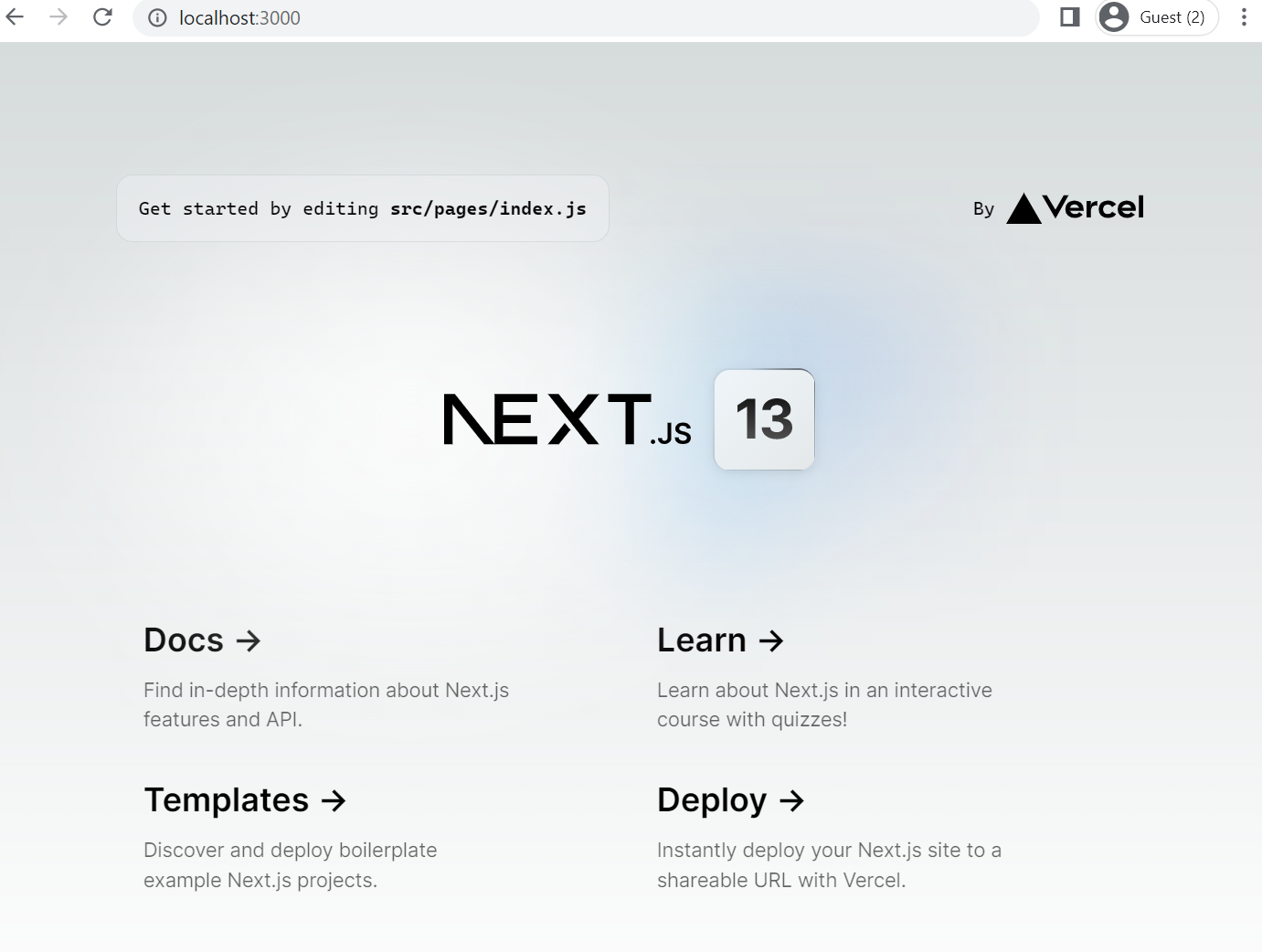
To run the project simply run
npm run dev
Add TailwindCSS
refer https://tailwindcss.com/docs/guides/nextjs
npm install -D tailwindcss postcss autoprefixer
npx tailwindcss init -p
Need to install the following packages:
  tailwindcss@3.2.7
Ok to proceed? (y)

tailwind.config.js already exists.
Created PostCSS config file: postcss.config.js
Now run an app
Commit : https://github.com/DelighteckSG/favourite-bakery/commit/d53ed141a8f022c09a9613580db517242e6b9fbd
npm run dev

Now let's add the header to our page.
header from : https://tailwindui.com/components/marketing/elements/headers
npm install @headlessui/react
npm install @tailwindcss/forms
Add Footer Footer from https://www.hyperui.dev/components/marketing/footers
Commit: https://github.com/DelighteckSG/favourite-bakery/commit/a4b6f9a7002a9b76843868761e7baf40b12d091a
You'll get the output as:

Now Let's add a few static products page we'll initialize and add the GraphQL later.
https://tailwindui.com/components/ecommerce/components/product-lists
Let's add a folder in pages named, bread-n-buns/index.js and cakes/index.js
npm install @tailwindcss/aspect-ratio
Commit : https://github.com/DelighteckSG/favourite-bakery/commit/1537d48a3329101f3b8f65716caa3955ea7b5213
Added the pages now, http://localhost:3000/cakes will look like,
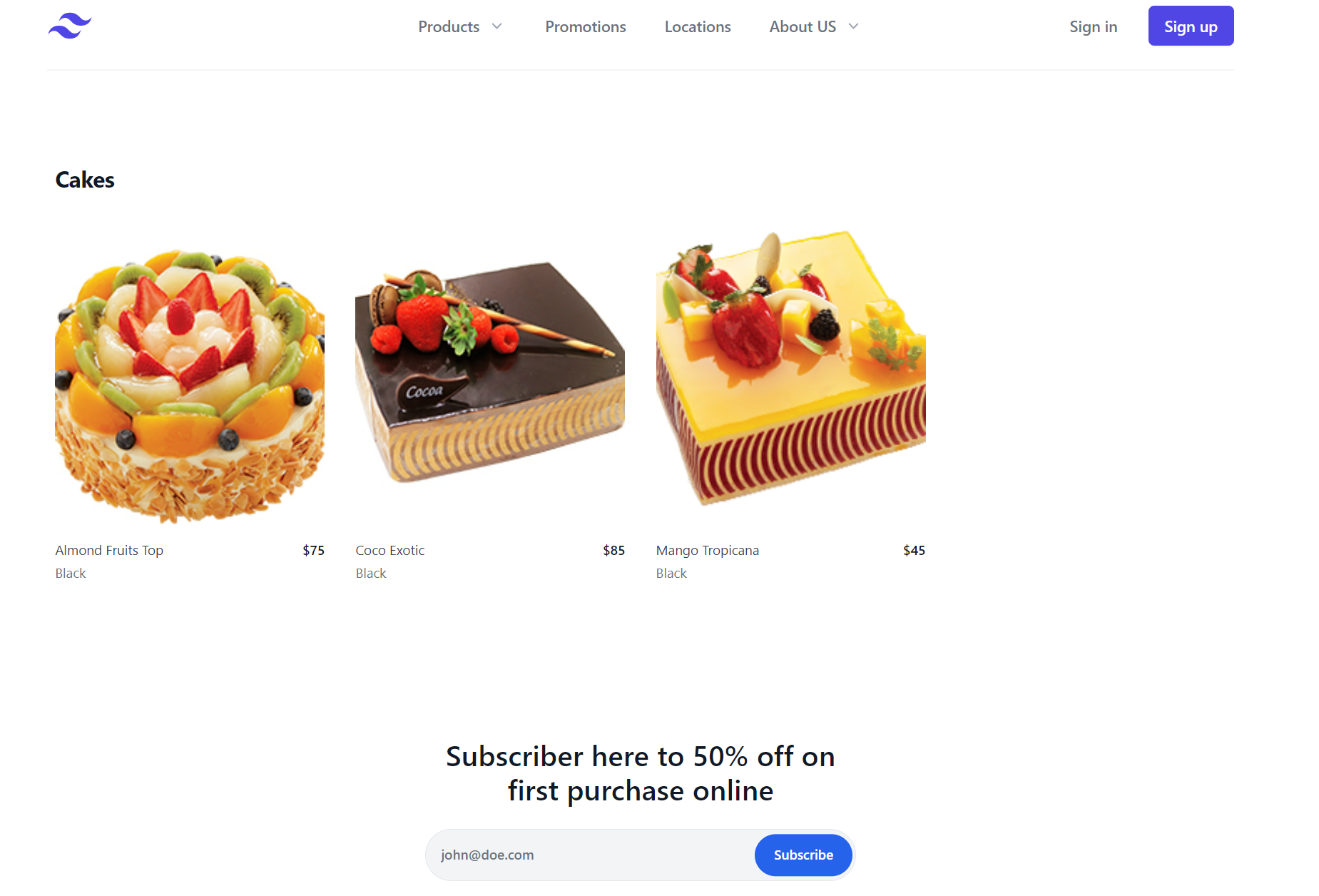
Credits: Images are from https://depositphotos.com/, this is only for test purposes, and must not be used in production.
About the author
Dreamer, Problem Solver, Fighter.
Comments
Join the discussionNo comments yet. Be the first to comment.
Build with AWS Amplify
What : Build an Web Application for a Bakery with User Journey Why : Need to Track Users and Page Visits, interact with Users How : Using Amplify, NextJS, Analytics, more servic